Loading video...
How to Configure Security Options: Waiting room and Password
How to Configure Security Options: Waiting room and Password
Steps
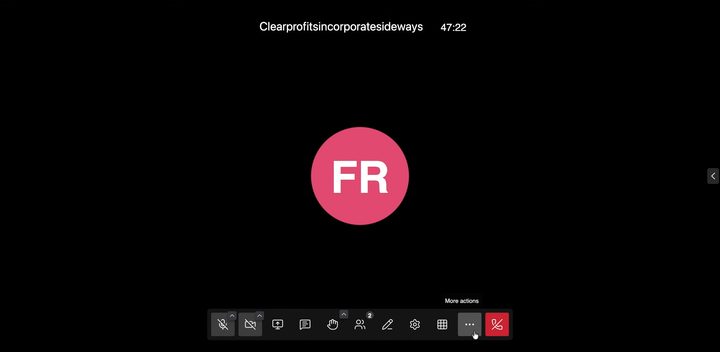
4 stepsOpen the meeting menu
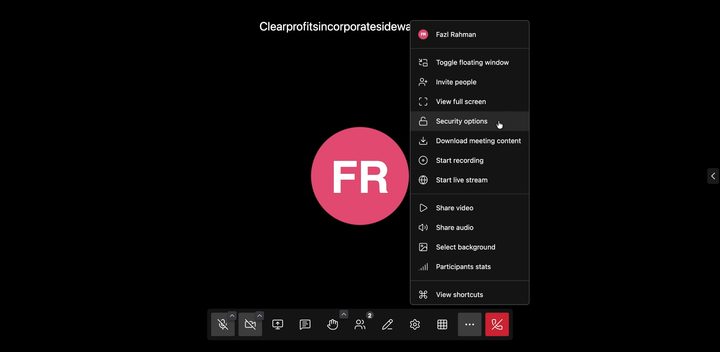
Open Security options
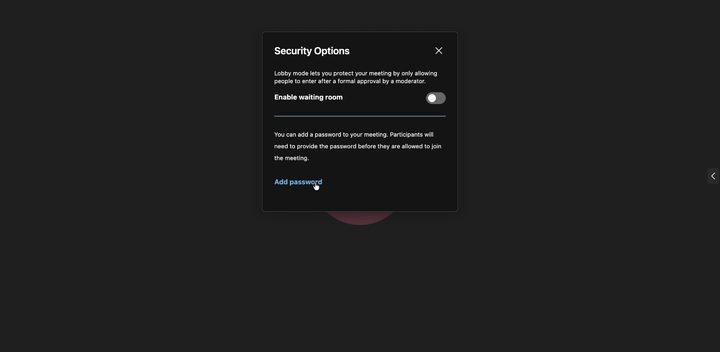
Turn on the Waiting room (Lobby)
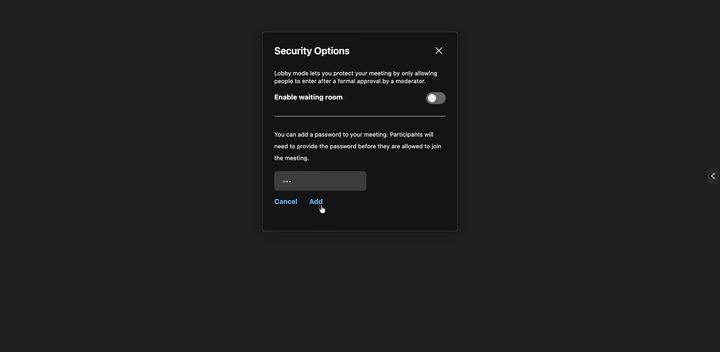
Add a meeting password